




Blogs
MacBook Air vs MacBook Pro | Which Do You Actually Need?

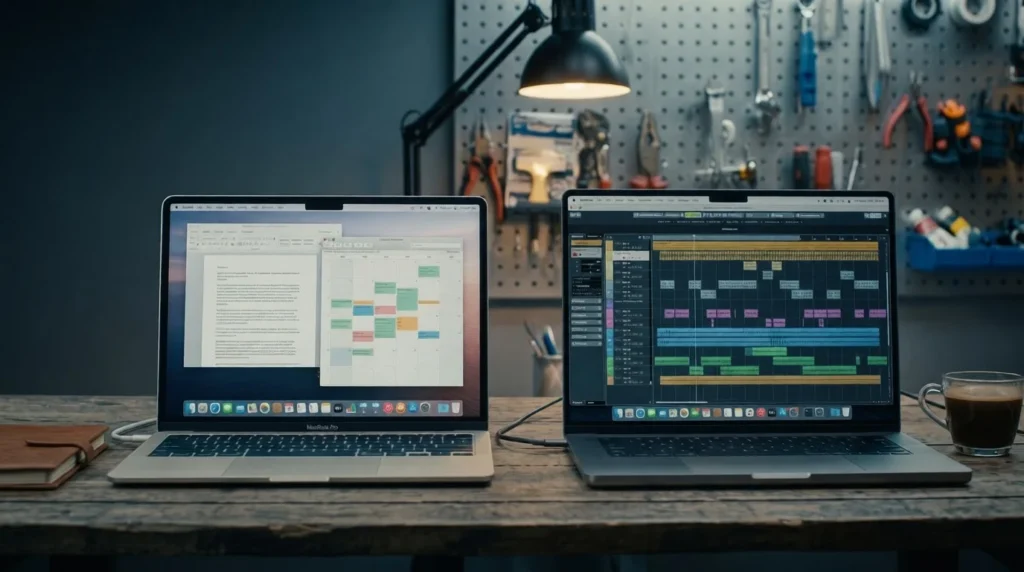
The MacBook Air and MacBook Pro share more than they differ on: within a generation they run the same chip family, the same macOS experience, and, on recent models, comparable displays. So, the buying decision rarely comes down to "which is better" and almost always comes down to one question, which is: does your workload require sustained performance under heavy, prolonged loads?
Most people never push a laptop that hard. The Air is lighter, cheaper, silent, and handles browsing, writing, office work, and light editing without breaking a sweat. The Pro exists for the minority who edit video, compile large codebases, or render 3D scenes for hours at a stretch. This guide breaks down exactly where the two diverge, so you can tell which camp you're in.
The Core Difference: Fanless vs Active Cooling
The Air is fanless. It runs completely silently but will deliberately throttle performance during extended heavy workloads to manage heat.
The Pro has an active cooling fan. That lets it sustain peak performance for hours without slowing down. This is important for video export, large code compiles, or long 3D rendering jobs.
Within the same chip generation, an Air and a Pro perform almost identically for short bursts of work. The gap only opens up under sustained heavy load, where the Pro's fan keeps it from throttling and the Air gradually backs off to stay cool.
Spec Snapshot: MacBook Air M1 vs MacBook Pro 14″ M1 Pro
Comparing the same Apple Silicon generation side by side shows how the two machines are built for different jobs even when they share a chip family.
Display: Liquid Retina vs Liquid Retina XDR
This is where the Pro starts to justify its price. The Pro's mini-LED XDR panel reaches roughly 2.5x the peak brightness of the Air's IPS display, with true blacks instead of the dark grey typical of IPS panels, plus a 120Hz Pro-Motion refresh rate that makes scrolling and animations noticeably smoother. The 14″ Pro's 3024×1964 resolution also packs more pixels than the Air's 2560×1600 panel, translating into more usable screen space for code, timelines, and design canvases. For colour-critical work like photography, video grading, and HDR review, the XDR display alone can be worth the upgrade.
Chip Performance: Burst Speed vs Sustained Speed
Single-core performance between the base M1 and M1 Pro is nearly identical, so everyday tasks like documents, email, and browsing feel the same on either machine. The real separation shows up in multi-core and GPU work: the 10-core M1 Pro scores roughly 45% higher in multi-core benchmarks, its GPU has up to double the cores, and its memory bandwidth is about three times higher, all for heavier compute jobs.
The more important distinction, though, is how long each chip can hold that performance. A 30-minute video render tends to complete in similar time on both machines. Stretch that to a two-hour export or compile, and the fanless Air throttles to manage heat while the actively-cooled Pro keeps running at full speed.
Battery Life
Despite its smaller battery, the Air's lower power draw under light use gives it a slight real-world edge for everyday tasks, and battery life between the Air and the 14″ Pro is otherwise comparable within the same generation. The 16″ Pro, with its larger 99.6 Wh battery, leads overall on both rated and real-world battery life.
Ports & Connectivity
This is a bigger practical difference than most buyers expect. The Air ships with just two Thunderbolt/USB-C ports and no HDMI, SD card slot, or MagSafe on older models, so one port is often taken up by the charger, leaving only one free for everything else. It also supports just a single external display. The Pro adds a third Thunderbolt port, HDMI, an SD card slot, and MagSafe charging, plus support for one or more additional external displays depending on the chip, a meaningful upgrade if your setup includes a dual-monitor desk or a camera workflow.
💨 Choose the Air If…
- Your heaviest workload is browsing, writing, office apps, or video calls
- Portability and silent operation matter more than sustained peak performance
- You code but don't require long compiles (e.g., scripting, web development, or small-to-medium apps)
- You want the lowest refurbished entry point into the Apple ecosystem
🔥 Choose the Pro If…
- You edit video, do colour grading, or work in DaVinci Resolve / Final Cut Pro regularly
- You need sustained CPU/GPU performance to run large Xcode builds, Docker with multiple services, or ML training
- You regularly work with external displays or need HDMI/SD card without dongles
- You do 3D or heavy media work in Blender, Cinema 4D, or After Effects
- Extra ports (HDMI, SD card, MagSafe on 14″/16″ models) matter to your workflow
See more, MacBook benchmark guides to compare exact performance numbers, or read what Pro models are best for creative work.
Our Verdict by Use Case
Rather than a single winner, here's the right pick for common buyer profiles:
💡 Bottom line: Across these ten common use cases, the Air is the right call in seven of them. That's less a knock on the Pro and more a sign of how capable Apple Silicon has made the entry-level machine. Most buyers genuinely don't need what the Pro offers, and the extra spend is better used elsewhere unless sustained performance, a professional display, or specific ports are non-negotiable for your work.
Ready to Buy?
Browse EazyPC's certified refurbished MacBook Air and MacBook Pro models, every unit quality-checked, warrantied, and ready to ship across India.
Shop Refurbished MacBooks →Frequently Asked Questions
Is the Pro always faster than the Air?
Only under sustained heavy load. For everyday tasks and short bursts of intensive work, the two perform very similarly within the same chip generation.
Is the Air's battery life better than the Pro's?
Battery life is comparable within the same generation, though the Air's lower power draw under light use gives it a slight edge for everyday tasks.
Which holds resale value better?
Both hold value well. Pro models with higher RAM and storage configurations tend to command a modest premium in the resale market.
Can the Air handle video editing at all?
Yes, it handles 1080p smoothly and 4K for shorter projects. It struggles with sustained exports on longer timelines, where thermal throttling adds to render time. For occasional editing it's fine; for daily professional editing under deadline, the Pro is the better tool.
I'm a developer. Do I need the Pro?
It depends on scale. Frontend work, scripting, API work, and light backend development run great on the Air. Full-stack setups running several Docker services, large monorepo builds, or an iOS simulator alongside Xcode and Chrome benefit from the Pro's sustained performance and higher memory ceiling.
