




Blogs
Intel vs. M1: Is a Refurbished Apple Silicon MacBook Worth It in 2026?

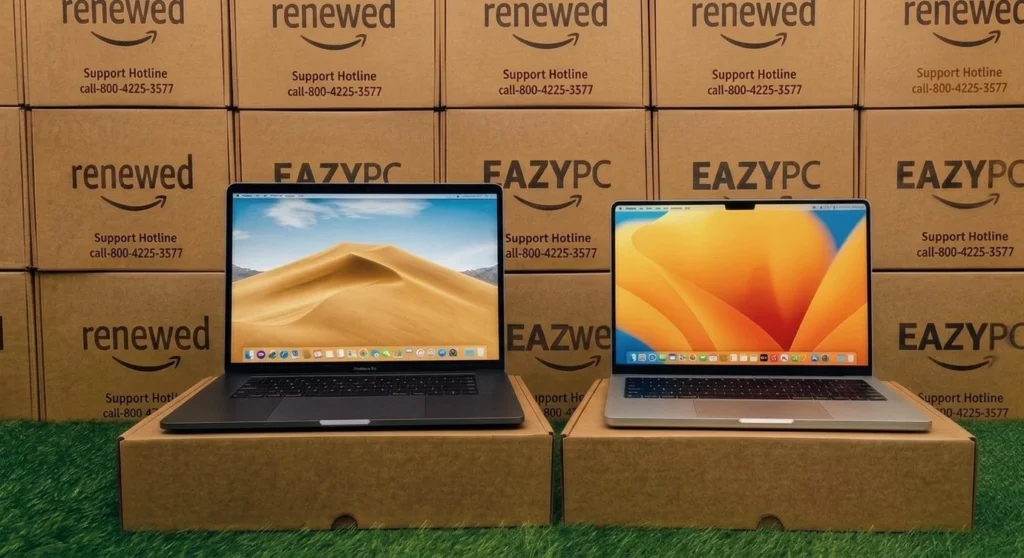
Apple switching to its own silicon wasn't a minor upgrade, it changed battery life, speed, and heat in ways that matter a lot when you're buying refurbished.
Apple Silicon (M-series chips) represented one of the largest single-generation leaps in Apple's laptop history, delivering better performance and dramatically better battery life at lower power draw and heat than the Intel chips they replaced. For refurbished buyers, this generational line is the single most important factor to understand before comparing prices.
What Changed with Apple Silicon
| Factor | 🖥️ Intel MacBooks (pre-2020) | ⚡ M-Series MacBooks (2020+) |
|---|---|---|
| Battery life | Good, but noticeably shorter | Significantly longer, often 15–18+ hours |
| Fan noise (Pro models) | Audible under load | Minimal to silent for most tasks |
| App compatibility | Native x86 app support | Native on Apple Silicon apps; Intel apps run via Rosetta 2 |
| Performance per watt | Lower | Significantly higher |
| Refurbished price | Lower, older and more depreciated | Higher, holds value better |
| Windows via Boot Camp | Supported | Not supported (virtualization only) |
2020 Intel MacBook Pro vs. 2020 M1 MacBook Pro, Benchmark Scores
Same-year, same chassis comparison. Higher scores are better.
Geekbench 5, Single-Core
Scores shown are representative benchmark figures.
🖥️ When an Intel MacBook Still Makes Sense
- You need Boot Camp to dual-boot Windows natively, not possible on M-series
- Budget is the primary constraint and you want the lowest possible entry point into macOS
- You rely on older software with no Apple Silicon-native version and imperfect Rosetta 2 compatibility
⚡ When M-Series Is Worth the Premium
- Battery life and portability matter for your daily use
- You want a machine that will receive macOS updates for the longest possible window going forward
- Your workload includes video, photo, or audio work that benefits from Apple Silicon's media engine
💡 Worth knowing: Even the first-generation M1 (2020) remains a strong performer today for most buyers. Any M-series chip is a safer long-term buy than an Intel-era MacBook, budget allowing.
✅ Why Apple Silicon (M1/M2/M3/M4) Is the Way to Go
Massive price drops
Prices scale beautifully with age. A base 2020 M1 MacBook Air can be found refurbished for around ₹35–40k. In markets like India, a somewhat newer M2-generation machine is considered the best value play right now, saving buyers 35–45% compared to new devices.
Performance longevity
The performance gap between Intel and Apple Silicon is massive. Even the original M1 chip handles everyday tasks, browsing, and video calls with ease.
Guaranteed software support
This is the most crucial factor. All Apple Silicon Macs starting with the 2020 M1 are compatible with macOS Tahoe 26, the current 2026 edition.
The Bottom Line
If your budget is tight and your software needs line up with what an older MacBook can run, an Intel model is still a legitimate way into macOS. But if you can stretch to an M-series machine, or even an older M1, you're buying into better battery life, quieter operation, and a longer runway of software support. For most refurbished buyers, that combination makes Apple Silicon the safer long-term pick.
Compare Both Generations
Browse both generations, compare Intel and M-series refurbished MacBooks currently in stock.
Shop Refurbished MacBooks →Frequently Asked Questions
How much longer will Intel MacBooks receive macOS updates?
Major feature updates have effectively ended. Moving forward, Intel Macs will likely only receive critical security patches until roughly 2028.
Can Intel MacBooks use Apple Intelligence features?
No. Apple Intelligence requires the Neural Engine built exclusively into Apple Silicon (M1 chips or newer).
Is an Intel MacBook a bad buy in 2026?
Not if the price is extremely low and you specifically need Boot Camp for Windows. For everyone else, a refurbished M1 is a much smarter, longer-lasting investment.
Can M1 MacBooks run Windows software?
Yes, via virtualization apps (like Parallels Desktop) running Windows on ARM. Apple's native Boot Camp dual-boot feature is no longer supported.
Will older Intel software work on an M1 Mac?
Yes. Apple's built-in Rosetta 2 automatically translates older Intel apps to run smoothly on M-series chips, often faster than they did on original Intel hardware.

