




Blogs
Dell Latitude vs. HP EliteBook (Refurbished): Which Business Laptop Wins?

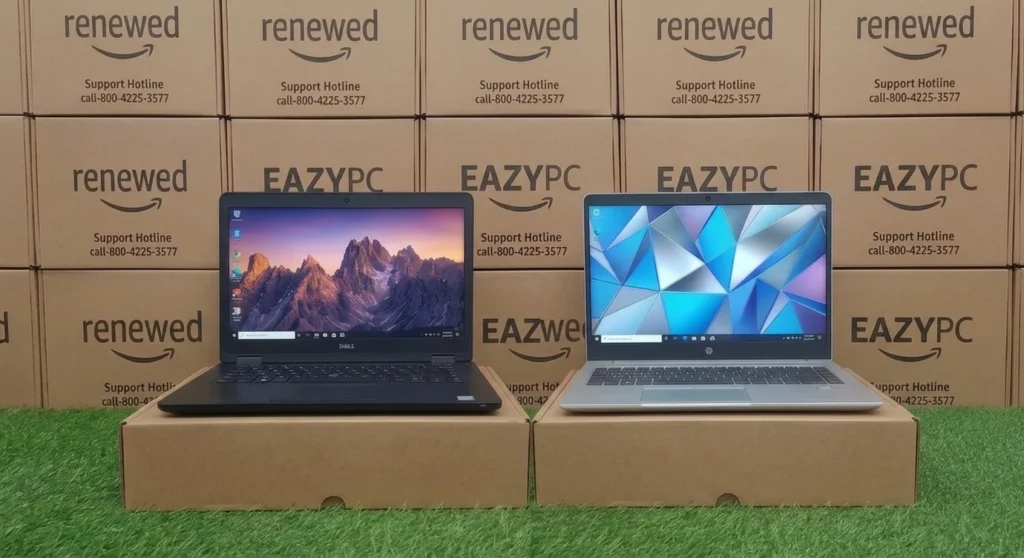
If you are buying a refurbished laptop for business, coding, or professional daily work, you will likely choose between a Dell Latitude and an HP EliteBook. These two dominant commercial laptop lines make up the majority of corporate lease fleets and, consequently, the refurbished market.
Side-by-Side Comparison
Where Dell Latitude Tends to Win
- Wider availability in the Indian refurbished market makes it easier to find specific configurations
- Slightly more affordable at comparable specs, generation for generation
- Excellent keyboard feel, making it a favorite among long-form typists and developers
Where HP EliteBook Tends to Win
- A slightly more refined build and display quality on comparable models
- Strong option for buyers who've used EliteBook in a corporate setting and want continuity
- Competitive battery life on later-generation units
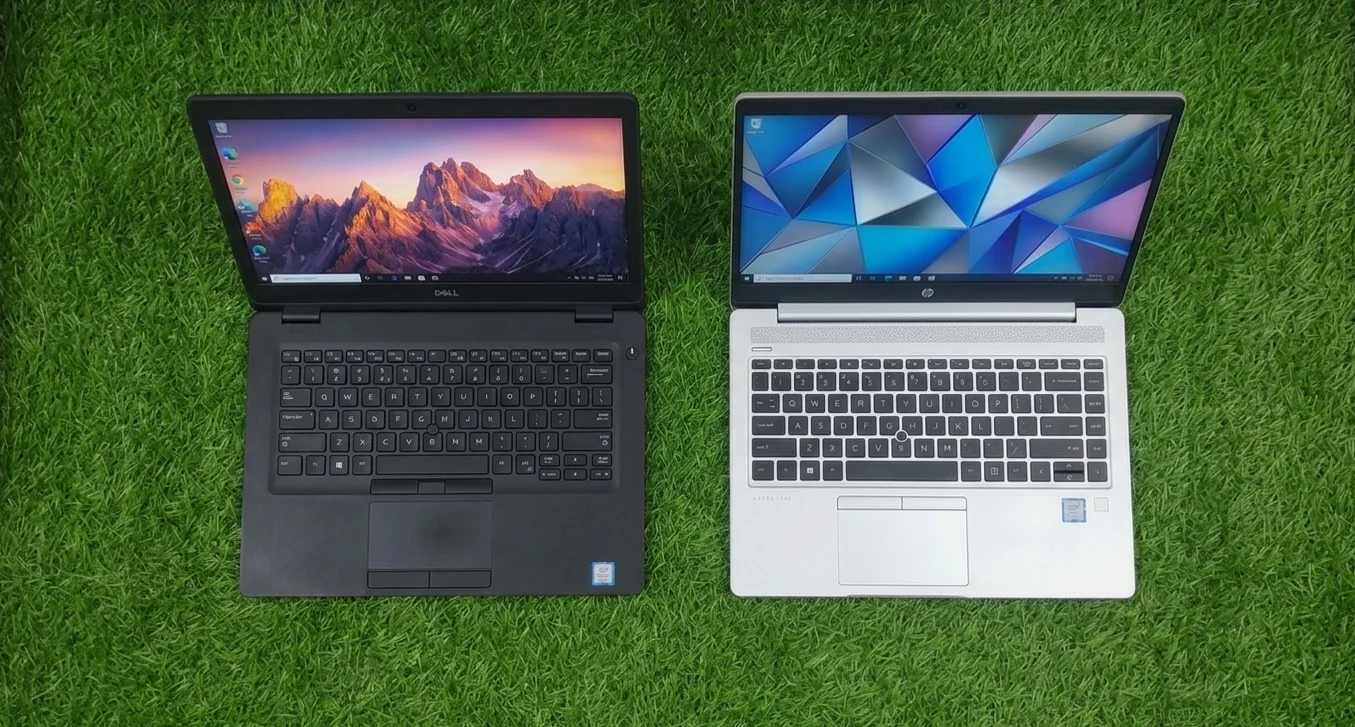
💡 Bottom line: Both lines are excellent choices in refurbished condition, the decision usually comes down to specific configuration availability and price on the day you're buying, more than a fundamental quality gap between the brands.
Factors That Matter More Than the Brand
When buying refurbished, the badge on the lid matters far less than what happened to the machine before it reached you.
The Generation Trap: Many ultra-cheap refurbished options in India (priced under ₹15,000) feature 6th or 7th-generation Intel processors. Avoid these if you plan to run Windows 11 natively.
The Rule: Only buy Intel 8th Generation or newer, or AMD Ryzen 3000 series or newer. Because Windows 11 officially dropped support for older processors, buying an 8th-gen chip ensures your laptop stays secure with official OS updates, which is vital for business and coding.
Seller Trust and Warranty Terms
Refurbished quality varies more by seller than by brand. Before buying, check for:
- Warranty period, reputable refurbishers in India typically offer 6–12 months; anything with zero warranty is a red flag regardless of how good the price looks
- Return/replacement window, look for at least 7–10 days to test the machine (battery drain, screen dead pixels, keyboard keys, hinge play)
- Grading disclosure, sellers should specify cosmetic grade (A/B/C) separately from functional condition; a "Grade B" scratched lid is fine, but grading should never be used to hide a functional issue
- Battery health disclosure, ask for the battery's design capacity vs. current full-charge capacity, not just "battery works"
- Invoice/GST bill, needed for any warranty claim and for resale value later
RAM, Storage, and Easy Upgrades
Both Latitude and EliteBook business lines are historically upgrade-friendly compared to consumer ultrabooks, a major reason they dominate the refurb market.
- RAM: 8GB is the realistic minimum for coding, multitasking, or business apps in 2026; most 5000/800-series and 7000/840-series models take up to 16GB or 32GB via easily accessible SO-DIMM slots
- Storage: Insist on SSD, not HDD. A 256GB SATA or NVMe SSD is the current baseline; many of these chassis support a straightforward HDD-to-SSD swap if you find a great deal on a machine that still has a spinning disk
- Upgrade cost vs. buying pre-upgraded: it's often cheaper to buy a base 8GB/256GB unit and add a RAM stick yourself than to pay a premium for a pre-configured 16GB machine, worth comparing before you buy
Ports and Connectivity
Business laptops from this era are often better equipped than modern consumer thin-and-light models:
- Both lines commonly offer a full-size HDMI, USB-A ports, and often a docking connector (useful if you're setting up a permanent desk station)
- Later-generation models (roughly 2018 onward) start including USB-C, sometimes with Thunderbolt 3 on higher-spec Latitude 7000 and EliteBook 840 variants, worth checking explicitly if you rely on USB-C monitors or fast charging
- An Ethernet port is common on Latitude models even in slim form factors, less consistently on EliteBook
How to Choose Between a Specific Listing
Rather than picking a brand in the abstract, compare the actual listings side by side: generation (look for 8th-gen Intel or newer), RAM (8GB minimum), storage type (SSD, not HDD), and battery health if disclosed. A well-specced Latitude will always beat a poorly-specced EliteBook, and vice versa.
Compare Real Listings Side by Side
Browse EazyPC's current Dell Latitude and HP EliteBook inventory, every unit quality-checked and warrantied.
Shop Refurbished Laptops →Frequently Asked Questions
Which brand has better long-term reliability?
Both Dell Latitude and HP EliteBook are engineered for multi-year corporate deployment and have comparable reliability track records in refurbished condition.
Are spare parts easier to find for one brand?
Dell Latitude parts are marginally more widely available in India due to higher fleet volumes, though both brands are well-supported.
Which is better for coding and development work?
Either is suitable at 8GB RAM and SSD storage or above, the keyboard and display preference tends to matter more than brand for this use case.

