




Blogs
Common Refurbished Laptop Problems and How to Fix Them: A Complete Troubleshooting Guide

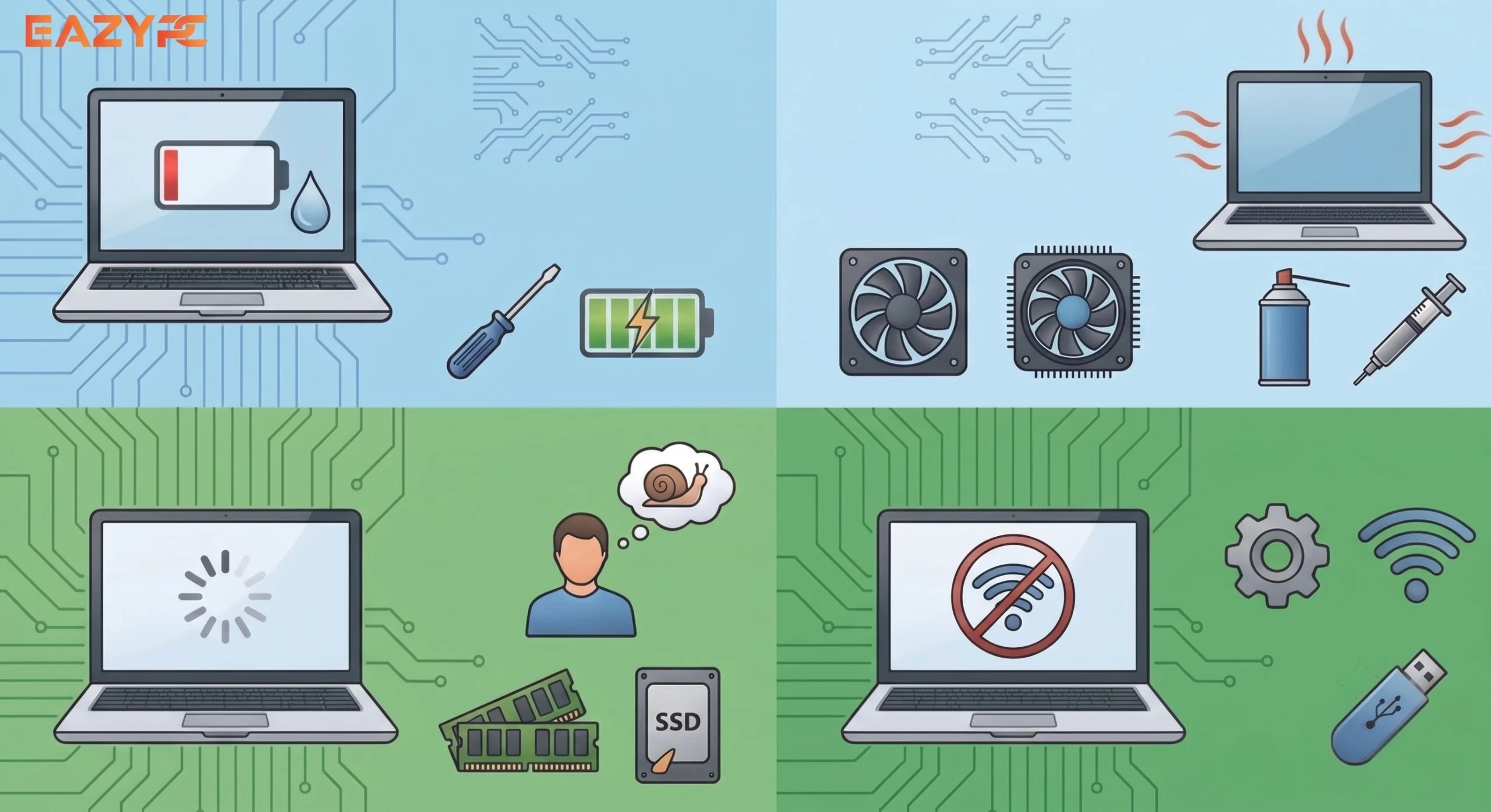
Most laptop problems aren't mysterious; they're a short, predictable list, each with a known fix. Here's the troubleshooting guide worth bookmarking.
This guide covers the eight most common laptop problems and how to fix each one: overheating and loud fan noise (usually dust or worn thermal paste), fast battery drain (check cycle count and background apps), unreliable Wi-Fi (driver, network, and interference fixes), sticking or unresponsive keys (dust under the keycap), ports that stop working (test cables and check Device Manager), screen flickering or dimming (display settings and graphics drivers), and a laptop that won't turn on (charger, outlet, and hard reset checks). It also flags which issues are safe DIY fixes versus when to call a technician and reminds you to check your warranty before attempting any repair.
Refurbished or new, laptops tend to develop the same handful of issues over time. Knowing what's normal wear, what's fixable at home, and which issue needs a technician saves both time and unnecessary expense.
Laptop Running Hot / Fan Constantly Loud
Cleaning vents and, for more advanced users, reapplying thermal paste, typically resolves this.
Battery Draining Unusually Fast
Check for battery health/cycle count first, high cycle counts explain most cases. If health is fine, check for background apps or browser tabs consuming unusual power.
Laptop Won't Connect to Wi-Fi Reliably
- Update or reinstall Wi-Fi drivers
- Forget and re-add the network
- Check for interference from other devices or router firmware updates
Keyboard Keys Sticking or Not Registering
Compressed air can resolve minor cases; persistent issues may need a technician, particularly on laptops with membrane-style keyboards.
Ports Not Working (USB, HDMI, Charging Port)
- Test with a different cable/device first to rule out the accessory itself
- Check Device Manager for driver errors on the specific port
- Physical port damage (bent pins, loose connection) is a hardware issue and should go to a technician rather than DIY
Screen Flickering or Dimming Unexpectedly
- Check power/display settings for adaptive brightness features causing the behavior
- Update graphics drivers
- If flickering persists across settings changes, this may indicate a display cable or panel issue needing professional repair
Laptop Won't Turn On
- Confirm the charger and outlet are both functional with another device
- Try a hard reset (hold power button for 10-15 seconds, then attempt to power on)
- If the laptop still won't power on, this typically requires professional diagnosis
When to Call a Technician Instead of DIY
If Your Laptop Is Still Under Warranty
Frequently Asked Questions
Overheating and constant fan noise are usually caused by dust blocking the airflow vents or by thermal paste that has dried out over time. Cleaning the vents with compressed air resolves most cases; reapplying thermal paste can help if cleaning alone doesn't fix it.
Fast battery drain is most often caused by a high battery cycle count rather than a defect. If battery health checks out, background apps or open browser tabs consuming power are the next most likely cause.
Unreliable Wi-Fi is typically a driver or network issue rather than a hardware fault. Updating or reinstalling the Wi-Fi driver, forgetting and re-adding the network, and ruling out interference from nearby devices or router firmware fixes most cases.
Sticking or unresponsive keys are usually caused by dust or debris trapped under the keycap. Compressed air clears minor cases, but persistent issues on membrane-style keyboards may need a technician.
A port that stops working is often the cable or accessory, not the laptop. Testing with another cable or device is the first step. If the port still fails, check Device Manager for driver errors; physical damage like bent pins is a hardware issue that needs a technician.
Screen flickering is commonly caused by adaptive brightness settings or outdated graphics drivers. If flickering continues after adjusting display settings and updating drivers, it may point to a display cable or panel issue that needs professional repair.
A laptop that won't turn on is usually a power issue rather than a dead unit. Start by confirming the charger and outlet both work with another device. A hard reset (holding the power button for 10-15 seconds) resolves many cases. If it still won't power on, professional diagnosis is needed.
Yes, occasional minor issues can occur with any laptop, refurbished or new. Reputable refurbishers back their laptops with a warranty specifically to cover hardware defects that appear after purchase.
DIY fixes are safe for straightforward tasks like RAM or SSD upgrades on serviceable models. More involved repairs are best left to a technician, especially while the laptop is still under warranty.
The clearest test is a clean OS reinstall: if the issue persists afterward, it's most likely hardware-related; if it resolves, the cause was software.
Need Support on an EazyPC Laptop?
Contact our support team directly for warranty-covered issues.
Contact Support →
About Aryamann Saini
Avid tech enthusiast with a focus on strategic problem-solving. Always looking to tackle the next big challenge or learning milestone. Outside of work and studies, I enjoy traveling to historical sites and exploring the open road.
View all posts by Aryamann Saini
