




Blogs
Best Laptop for Engineering Student in 2026: Smart Picks for Every Budget

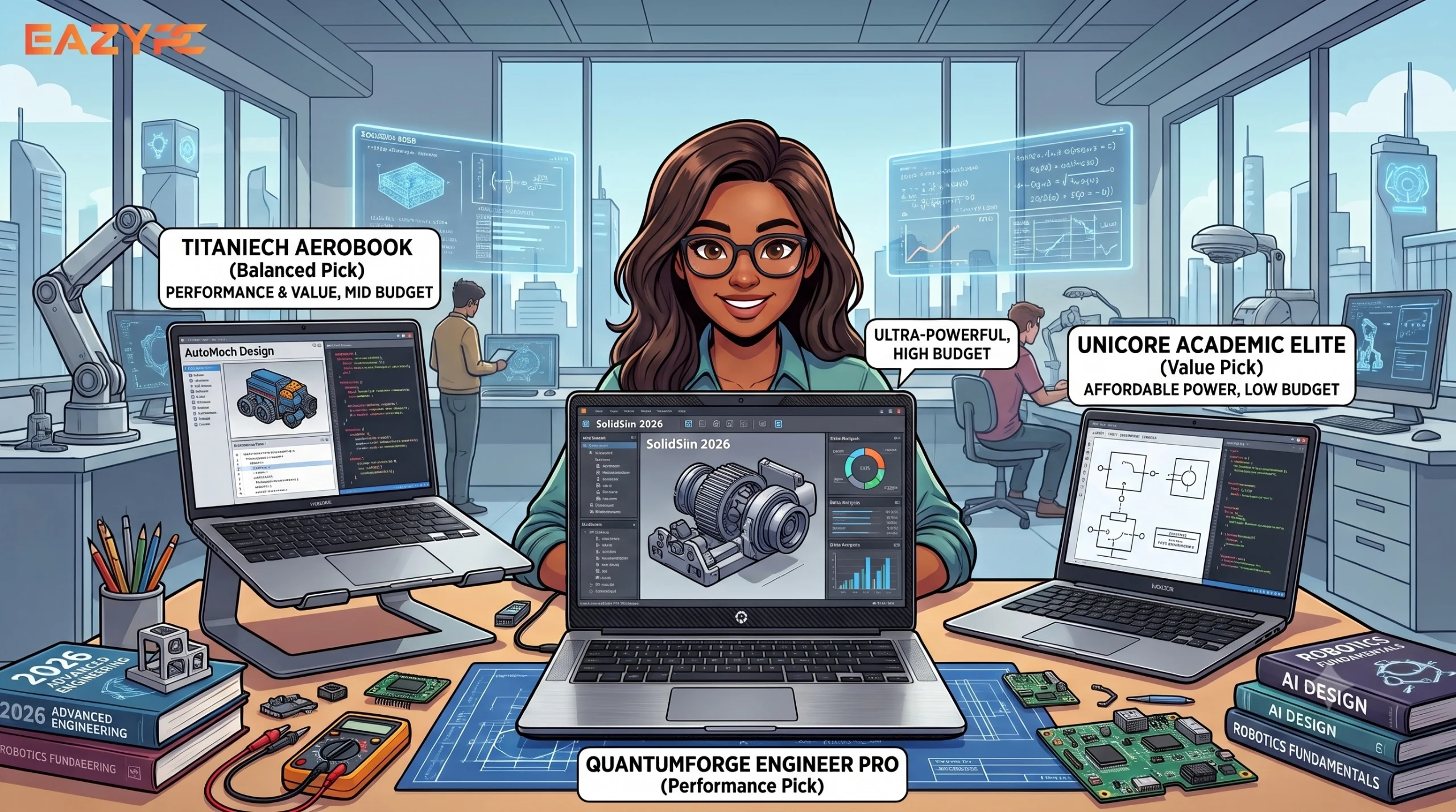
The best laptop for an engineering student in 2026 has 16GB RAM, a 512GB SSD and a recent processor (Intel 13th Gen/Core Ultra or Ryzen 7000 or newer).
Budget: ₹50,000–₹80,000 for a new Windows laptop, or ₹30,000–₹40,000 for a certified refurbished business laptop such as a Dell Latitude, HP EliteBook or Lenovo ThinkPad.
By branch: CS and IT students can choose a MacBook or any thin-and-light. Mechanical and civil students need Windows with a dedicated GPU. Electronics students are fine with a solid mid-range Windows laptop.
Timing: buy now rather than wait. Memory shortages are pushing laptop prices up across India.
Key Takeaways
RAM
16GB is the practical minimum on Windows. Go for 32GB only for heavy ANSYS work.
Storage
A 512GB SSD is the realistic minimum. CAD files and virtual machines fill space fast.
Processor
Buying new? Skip anything older than Intel 13th Gen or AMD Ryzen 7000.
GPU
Only mechanical, civil and architecture students really need a dedicated graphics card.
Budget
₹50,000–₹80,000 new, or ₹30,000–₹40,000 for a certified refurbished business laptop.
If you're about to start engineering and need a laptop before classes begin, you've picked a strange year to shop. Your laptop will run your code, CAD files, simulations and assignments for four years. Laptops are getting more expensive. This guide explains what's going on, which specs matter, and what to buy at every budget.
Why are laptop prices rising in India in 2026?
Laptop prices are rising in India in 2026 due to a global memory shortage. AI data centers are absorbing RAM supply, and reports in India put DDR RAM prices at roughly 2.5 to 3 times their earlier levels. Devices that sold for ₹30,000–35,000 are now closer to ₹45,000, according to a March 2026 Storyboard18 report citing market conditions after IDC recorded India's strongest PC year in 2025.
Estimates of the damage vary. Counterpoint Research's Tarun Pathak told Digit that India's laptop prices could rise about 8–10% in 2026, with gaming and entry-level models hit hardest. Other retail analysts say mainstream laptops that cost around ₹50,000 in early 2025 now trend toward ₹65,000–70,000. Dell and HP have both raised prices in India.
What should an engineering student's laptop be able to run?
An engineering laptop needs to handle coding, design, simulation and everyday study software at the same time. Expect to run some mix of:
- Coding: Python, C++, Java, VS Code, plus virtual machines if you're in CS
- Design and modelling: AutoCAD, SolidWorks, Revit, SketchUp
- Simulation and analysis: MATLAB, ANSYS, Multisim
- Everything else: assignments, PPTs, online lectures, lab portals
Which laptop specs matter most for engineering students?
| Spec | What to get | Why it matters |
|---|---|---|
| RAM | 16GB on Windows | Back-to-school guides, including one from The Verge, put the sweet spot at 16GB RAM and 512GB storage for four-plus years of use. 8GB is workable on a Mac but tends to struggle on Windows. |
| Processor | Intel 13th Gen / Core Ultra or AMD Ryzen 7000+ | Older chips age badly. Snapdragon X laptops are fine for most work, but check that your branch's software runs on them. |
| Storage | 512GB SSD | The realistic minimum. CAD files and virtual machines eat space fast. |
| Graphics card | Branch-dependent | Mechanical, civil, architecture and heavy-simulation students need a dedicated GPU. CS and electronics students can usually do without one. |
| Service network | A service center near you | One comparison ranks India's service networks Dell first, then HP, Lenovo and ASUS, and says HP's is the widest, including in smaller cities. |
Don't underestimate the service network. A cheap laptop with no nearby service center gets expensive when the screen cracks in your second year.
What is the best laptop for each engineering branch?
The right laptop depends on your branch, because the software differs. This table shows the minimum sensible setup for each.
| Branch | RAM | Graphics card | Key notes |
|---|---|---|---|
| Computer Science / IT | 16GB | Not required | Mac or Windows both work. Prioritise battery life, keyboard and RAM for virtual machines. |
| Mechanical | 16GB (32GB for heavy ANSYS) | Dedicated GPU recommended | Windows needed for SolidWorks. Choose strong cooling for long simulations. |
| Civil / Architecture | 16GB | Dedicated GPU recommended | Windows needed for Revit, STAAD Pro and AutoCAD. A big, sharp screen helps. |
| Electronics / Electrical | 16GB | Not usually required | Windows is safest for Multisim and similar tools. MATLAB runs on Windows and Mac. |
What is the best laptop at each budget?
Here's a quick comparison, followed by detail on each tier.
| Budget | What to look for | Best for | Watch out for |
|---|---|---|---|
| Under ₹50,000 | Intel Core i5 H-series, 16GB RAM, 512GB SSD | Most branches on a tight budget | Shorter battery life; avoid 8GB RAM or HDDs |
| ₹50,000–₹80,000 | Core Ultra 5/7 or Ryzen, 16GB RAM; entry GPU for CAD | Most engineering students | Prices swing a lot; check current listings |
| ₹80,000–₹1,50,000 | Dedicated GPU, strong cooling, or MacBook Air M5 | CAD, simulation, long-term use | Don't pay for thin designs that throttle |
| ₹1,80,000+ | Flagship gaming or creator laptops | Heavy 3D work and GPU research | Usually more than a student needs |
| ₹30,000–₹40,000 refurbished | Dell Latitude, HP EliteBook, ThinkPad, 16GB RAM | Best value for coding and light CAD | Check battery health and warranty |
Best laptops under ₹50,000
This is the tier hit hardest by the price rise, so check specs carefully. Look for an Intel Core i5 H-series chip. For example, the i5-13420H is widely described as the best processor under ₹50,000 for engineering workloads thanks to its 8 cores. Lenovo LOQ, HP Victus and ASUS TUF-style models are the families to browse. The trade-off is battery life, which is shorter than on thin-and-light U-series laptops. Avoid anything with 8GB RAM or an HDD, however good the discount looks.
Best laptops for ₹50,000–₹80,000
This is the sweet spot for most students. Aim for a current-generation Core Ultra 5/7 or Ryzen chip with 16GB RAM, or an entry-level GPU if you need CAD. One roundup of sub-₹60,000 options highlights a 14-core Intel Core Ultra 5 laptop that outperforms many machines priced above ₹80,000. Check current listings, since this is where deals and price swings are biggest.
Best laptops for ₹80,000–₹1,50,000
This is where dedicated GPUs and better screens show up, and where Windows gaming-style laptops (Legion, Victus, TUF, ROG Strix) work well for mechanical and civil students. Prioritise cooling and sustained performance over thin designs, because simulations run for hours.
Are ₹1,80,000+ laptops worth it for engineering students?
Usually not. The ASUS ROG Zephyrus G14 from our earlier list is still a great machine, but the 2025 model with an RTX 5060 started at ₹1,84,990, and the 2026 RTX 5070 version is listed at ₹3,59,990. Unless you're doing serious 3D work or GPU-heavy research, the budgets above will serve you just as well.
Are refurbished laptops a good choice for engineering students?
Yes. With new prices climbing, certified refurbished business laptops are the best-value move right now. ThinkPads, Latitudes and EliteBooks are built tough, easy to repair and often upgradeable. Other refurbished sellers quote ₹26,500–₹36,699 for models that cost ₹50,000–80,000 new.
Refurbished picks worth considering from EazyPC:
| Laptop | Specs | Best for |
|---|---|---|
| Dell Latitude 5420 | 11th Gen Intel, 16GB RAM, 512GB SSD | Coding, writing and light design software |
| HP EliteBook 840 G7 | 10th Gen i5, 16GB RAM, 512GB SSD | Tough build and good battery for lectures and labs |
| Lenovo ThinkPad T14 Gen 2 | 11th Gen i5, 16GB RAM, 512GB SSD | Programming, virtual labs, great keyboard |
| Dell Precision 3541 | 9th Gen i7, 16GB RAM, Quadro GPU | CAD and simulation on a budget |
What should you check before buying?
- Check your college's software list first. If your department uses Windows-only tools, that settles Mac vs Windows.
- Buy 16GB RAM, even if it means a lower-tier processor. A slow chip is annoying, but too little RAM is crippling.
- Look for upgradeable RAM and SSD slots. Many thin laptops now solder the RAM, so you can't fix this later.
- Use student offers. Apple Education pricing, bank cards and festive sales can knock off a meaningful amount.
- Don't buy gaming specs you won't use. RGB lighting and 240Hz screens add cost, not coursework performance.
- Check warranty and service locations. Confirm there's a service center in or near your city or college town.
- Look after the battery. Avoid keeping the laptop plugged in at 100% all day for four years.
Frequently Asked Questions
What is the best laptop for engineering students in India in 2026?
There's no single best model, but the best choice for most students is a laptop with 16GB RAM, a 512GB SSD and an Intel 13th Gen, Core Ultra or Ryzen 7000-or-newer processor. Expect to pay roughly ₹50,000–₹80,000 new, or ₹30,000–₹40,000 for a certified refurbished business laptop. Mechanical and civil students should add a dedicated graphics card.
How much RAM does an engineering student need?
Engineering students on Windows should get 16GB of RAM. It handles coding, MATLAB, AutoCAD and virtual machines comfortably for four years. 8GB can work on a Mac, but it struggles on Windows with CAD or simulation software. Students running heavy ANSYS or large datasets may want 32GB.
Do engineering students need a graphics card?
Only some do. Mechanical, civil and architecture students running SolidWorks, Revit, rendering or heavy simulation benefit from a dedicated GPU. Computer science, IT and electronics students can usually manage with integrated graphics and put the money into RAM and a better processor.
Is a MacBook good for engineering students?
A MacBook is excellent for computer science and software work thanks to its battery life and quiet performance. It's a weaker fit for mechanical, civil and electronics branches because software like SolidWorks and Multisim doesn't run natively on macOS. Check your college's software list before buying.
Are refurbished laptops good for engineering students?
Yes, if you buy certified refurbished business laptops such as Dell Latitude, HP EliteBook or Lenovo ThinkPad from a seller that tests them and offers a warranty. They're built tougher than most student laptops and cost far less than new. Check battery health and prefer 16GB RAM with a 512GB SSD.
Why are laptop prices rising in India in 2026?
A global memory shortage is the main cause. AI data centers are absorbing RAM supply, which has pushed DDR memory prices up sharply and raised the cost of laptops. Estimates of the increase vary by analyst and category, from single digits to far higher for gaming and entry-level models.
Should I wait for laptop prices to drop before buying?
If you need a laptop for the coming semester, buying now is generally safer than waiting. Some forecasts expect memory shortages to keep prices elevated into 2027. If you can wait, watch festive sales and student offers, which can cut a meaningful amount off the price.
Which processor is best for engineering students?
For new laptops, choose an Intel Core i5/i7 (13th Gen or newer), Intel Core Ultra 5/7, or an AMD Ryzen 5/7 (7000 series or newer). H-series chips suit CAD and simulation, while U-series and Core Ultra chips give better battery life for coding and everyday study.
How much should an engineering student spend on a laptop?
Most students are well served by ₹50,000–₹80,000 for a new Windows laptop, or ₹30,000–₹40,000 for a certified refurbished business laptop. Spend more only if your branch needs a powerful GPU. Flagship gaming laptops costing ₹1.8 lakh or more are rarely necessary.
Final Thoughts
The best engineering laptop is not the most expensive. It's the one that runs your software smoothly, survives four years of bags and hostel life, and doesn't drain your family's savings. In a year when prices are rising, a well-chosen refurbished business laptop or a sensibly specced mid-range model beats an overpriced flagship almost every time.
Whichever route you take, buy from a trusted seller and check the warranty.

About Aryamann Saini
Avid tech enthusiast with a focus on strategic problem-solving. Always looking to tackle the next big challenge or learning milestone. Outside of work and studies, I enjoy traveling to historical sites and exploring the open road.
View all posts by Aryamann Saini
