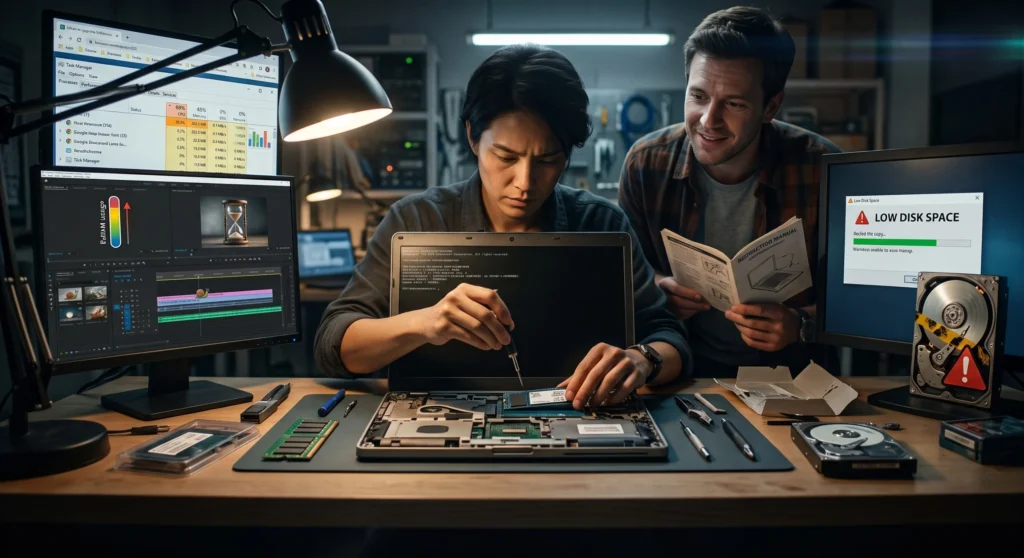
Two upgrades typically outperform a full laptop replacement in cost-effectiveness knowing when to reach for them saves both money and a perfectly good machine.
Many refurbished business laptops are specifically designed to be user-serviceable, a legacy of being built for corporate IT departments that needed to upgrade and repair fleets efficiently. This serviceability provides a significant advantage, extending a laptop's useful life well beyond the point where a sealed consumer laptop would require replacement.
Signs a RAM Upgrade Would Help
The laptop slows down noticeably with multiple apps or browser tabs open simultaneously
You've started using the laptop for heavier workloads than when you bought it (development, editing, more demanding software)
Signs an SSD Upgrade (or Adding One) Would Help
The laptop still has a traditional HDD, this is the single highest-impact upgrade available for an older laptop
Boot times and app launches feel slow despite adequate RAM
Storage is consistently near full and slowing down as a result
Which Upgrade Should You Do First?
Symptom
Upgrade First
Laptop still has an HDD
SSD, the biggest single performance jump available
Slows down with many apps/tabs open
RAM, then check for startup bloat and disable unnecessary launch apps
Running out of storage space
SSD (larger capacity) or add external storage
Before You Upgrade: Check Serviceability
Confirm whether RAM is soldered or in an accessible, upgradable slot, this varies by model and generation
Confirm the laptop has a free M.2 or SATA slot for an SSD, or whether the existing drive needs replacing outright
Check whether upgrading voids any remaining warranty before proceeding, read what our warranty covers on self-upgraded units
💡 Worth knowing: A RAM or SSD upgrade typically costs a fraction of a full laptop replacement and can meaningfully extend a commercial-grade refurbished laptop's useful life by another 2-3 years.
Need a Laptop with More Upgrade Headroom?
Browse EazyPC's business laptops known for easy RAM and SSD upgrades.
Is it worth upgrading an old laptop instead of buying a new one?
If the CPU still meets your needs and only RAM/storage are the bottleneck, upgrading is usually the more cost-effective choice.
Can I upgrade RAM and SSD myself?
On models with accessible components, yes, many business laptops are designed for straightforward DIY upgrades, though a technician can help if you're unsure.
How much RAM is enough after an upgrade?
16GB is the recommended target for most users in 2026; however, demanding development or creative workloads may benefit from 32GB or more.
About Aryamann Saini
Avid tech enthusiast with a focus on strategic problem-solving. Always looking to tackle the next big challenge or learning milestone. Outside of work and studies, I enjoy traveling to historical sites and exploring the open road.