Dell Latitude 3410, 3420 & ThinkPad L14: Common Problems Before You Buy Refurbished
Cheap, everywhere, and fresh off retired office fleets, here's what actually goes wrong on these three laptops and what to check before you pay.
📋 Summary
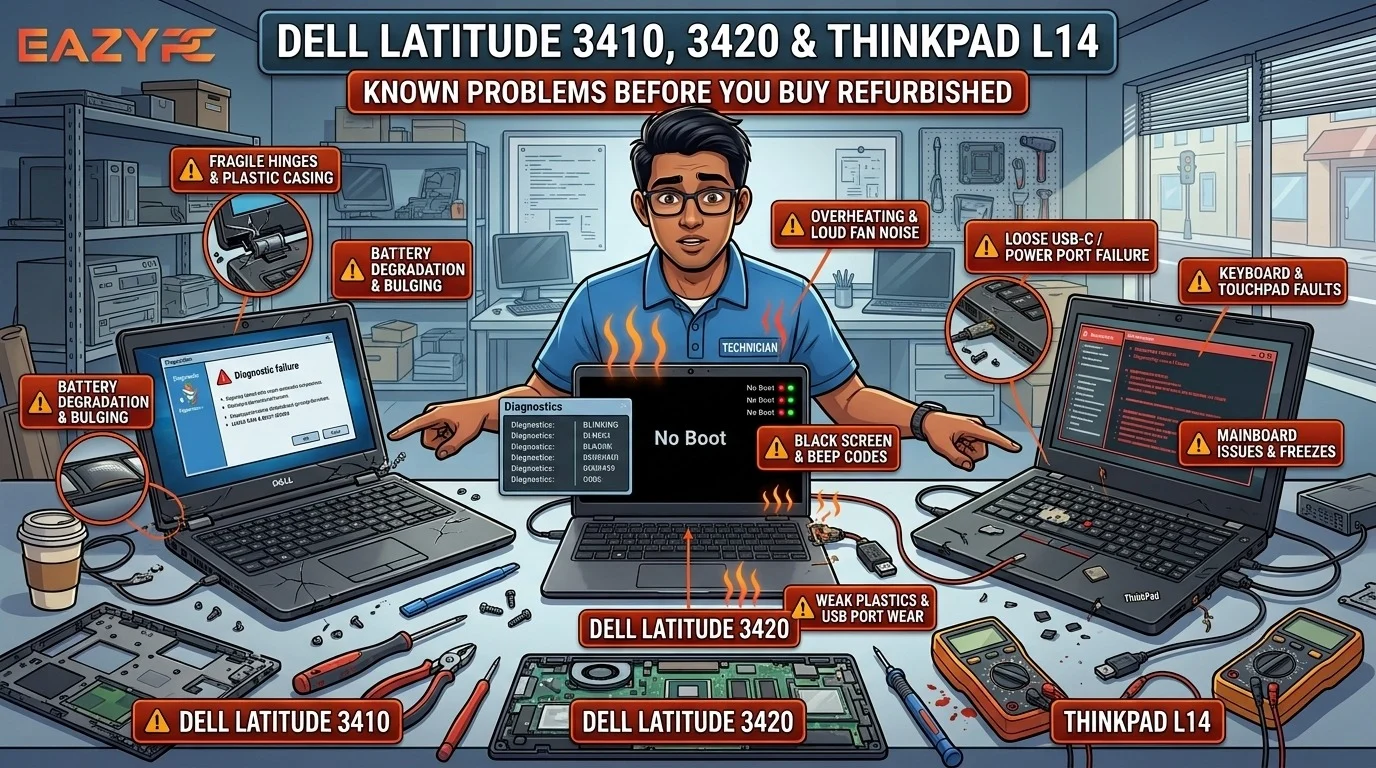
In our view, the most common problems are hinge failures that crack the screen (Latitude 3420), worn charging ports (Latitude 3410 and ThinkPad L14), dim low-colour screens and small, worn batteries. All three are 2020–21 entry-level business laptops. We'd only recommend buying one refurbished with a Core i5/i7, a Full HD IPS screen, firm hinges and good battery health.
| Model |
Release Year |
Processor Generation |
Most Reported Problem |
Skip If It Has |
| Dell Latitude 3410 |
2020 |
Intel 10th Gen |
Charging port (DC jack) failure |
1366×768 TN screen |
| Dell Latitude 3420 |
2021 |
Intel 11th Gen |
Hinge breaking and cracking the screen |
Celeron CPU, 1366×768 TN screen |
| Lenovo ThinkPad L14 Gen 1 |
2020 |
Intel 10th Gen or AMD Ryzen 4000 |
USB-C charging port failure, 45Wh battery |
Battery health below 70% |
| Lenovo ThinkPad L14 Gen 2 |
2021 |
Intel 11th Gen or AMD Ryzen 5000 |
USB-C charging port failure |
Linux use on the AMD version |
Why Are the Latitude 3410, 3420 and ThinkPad L14 So Common Second-Hand?
The Dell Latitude 3410, Dell Latitude 3420 and Lenovo ThinkPad L14 are everywhere in India's refurbished market right now, and we see them constantly. Companies bought them in bulk in 2020–21, and those office fleets are now being retired.
On paper they look like a bargain: 10th or 11th gen Core i5, Windows 11 support, a business-brand badge. But all three are entry-level business laptops, built to a price. After four to five years of office use, we keep seeing their weak points show up again and again on Dell and Lenovo forums, Reddit and repair sites.
We've gone through those owner reports and professional reviews so you know exactly what can go wrong, which configurations to skip, and what to check before you pay.
What Are the Common Problems with the Dell Latitude 3410?
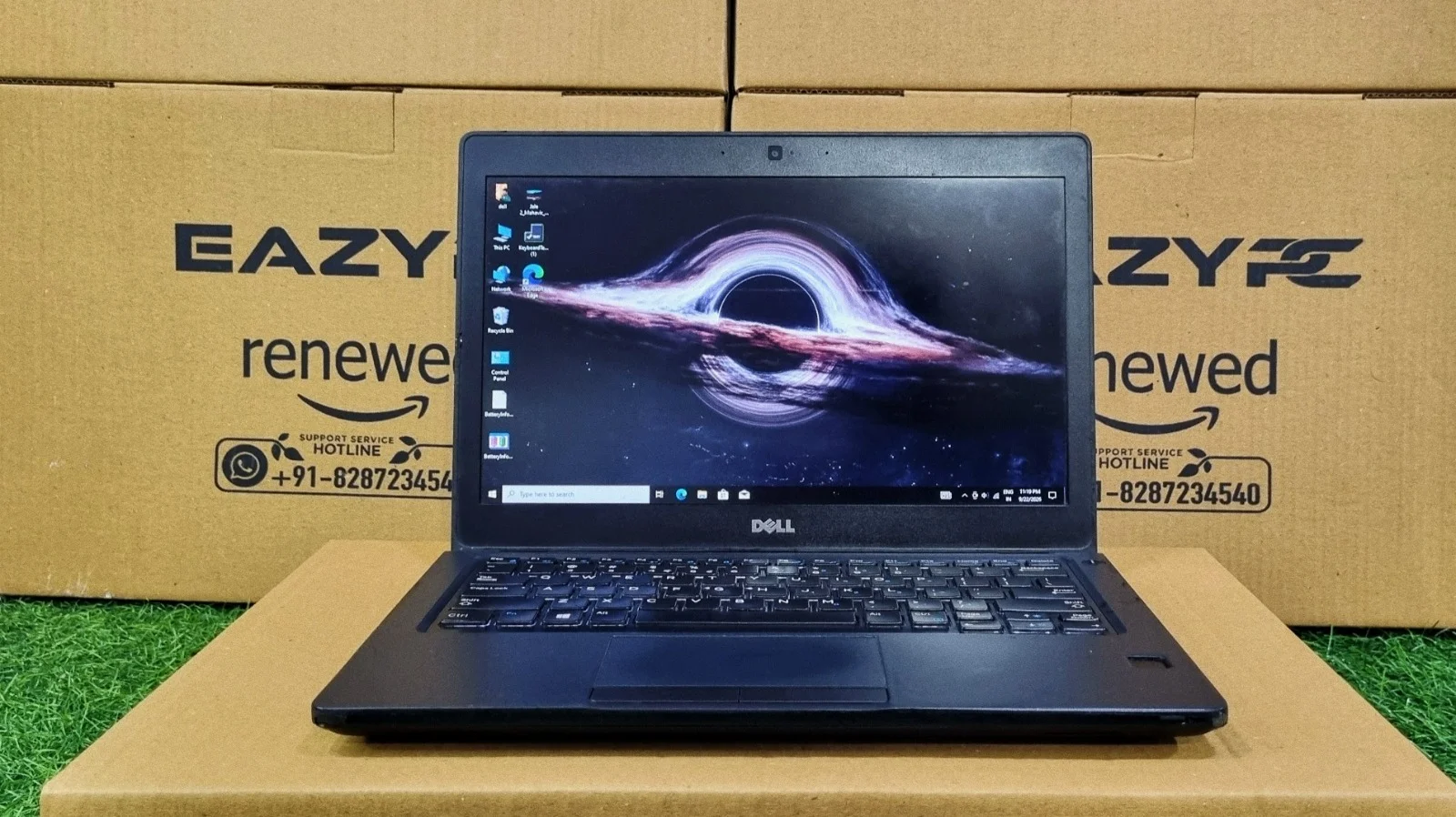
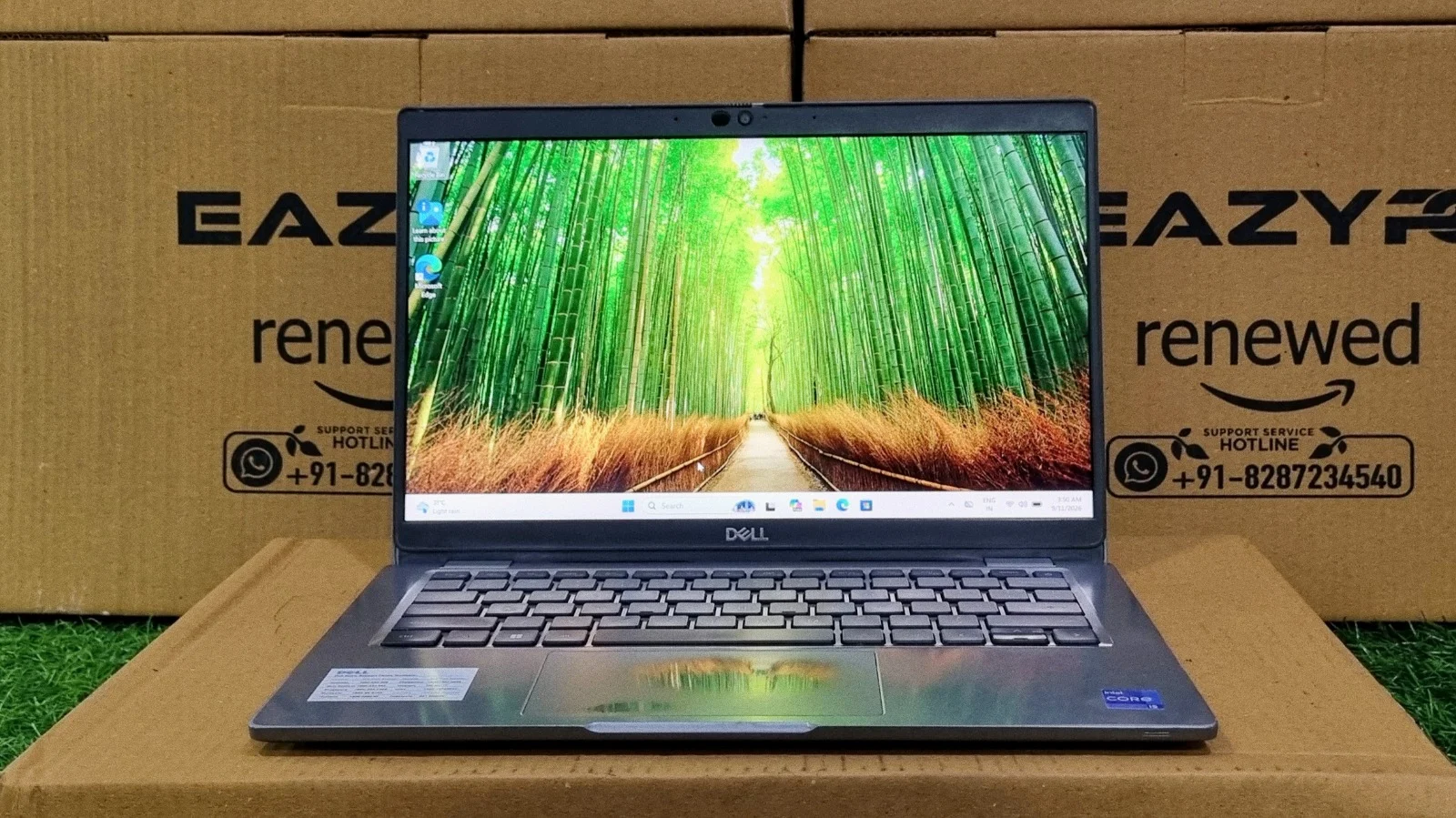
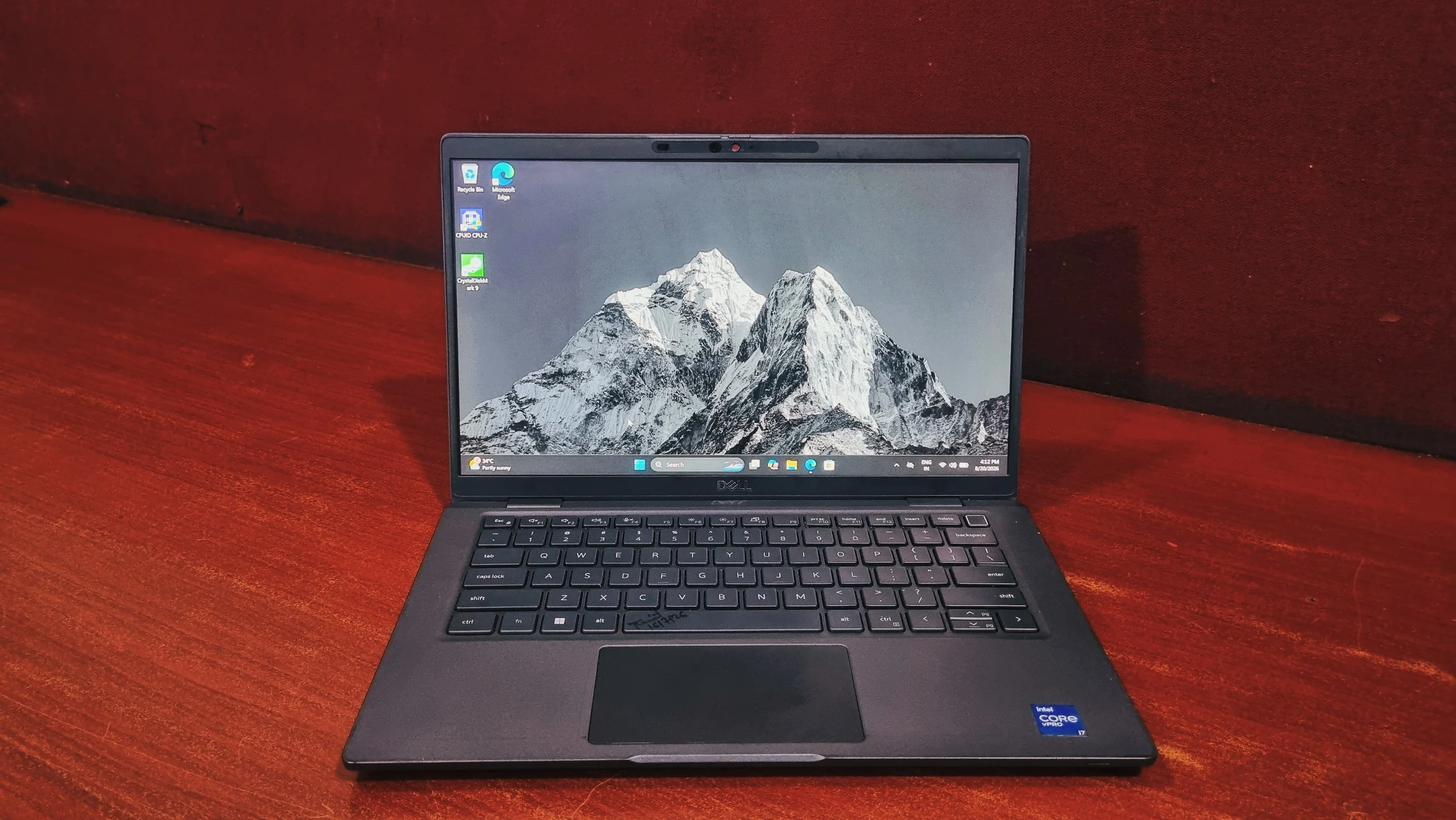
The Dell Latitude 3410's most common problems are a failing charging port (DC jack), a dull screen that shows only about 50% of sRGB colours, hinge stress, and units that power on with no display. It is a 2020 entry-level 14-inch business laptop with Intel 10th Gen processors, and most of its issues come from age and budget parts.
1. Charging port (DC jack) failure
This is the most common complaint we found on Dell's own forum. One company reported three to five 3410s in a single year with the same round-pin charging port fault: the laptop kept switching between charging and not charging. A senior forum member's answer was simply to replace the DC jack, as wear and tear is expected on machines this old.
2. A washed-out screen
Even the better Full HD IPS panel covers only about half of the sRGB colour range, so colours look dull to us. Base units shipped with a 1366×768 TN panel, which is much worse for viewing angles and sharpness.
3. Hinge stress
The 3410 belongs to the same plastic-chassis generation as the Latitude 3510 and 3420, where hinge mounts breaking and cracking the screen is a widely reported issue (details in the 3420 section below).
4. Power-on but no display
Repair channels and iFixit threads show 3410s that power on, spin the fan and light the Caps Lock key, but never show a picture. In our experience, this usually points to a RAM or motherboard fault.
What Are the Common Problems with the Dell Latitude 3420?
The Dell Latitude 3420's biggest problem is its hinge, which can break away from the chassis and crack the screen. Other reported issues are a hibernation bug fixed by BIOS updates, "Unknown AC power adapter" warnings, heating, fan noise and a dim screen. It is a 2021 entry-level 14-inch business laptop with Intel 11th Gen processors, from Celeron up to Core i7.
1. Hinges that break and crack the screen
This affects the whole 2020–21 Latitude 3000 family, not just the 3420. In one Dell forum thread, an IT admin described a screen cracking when a nurse simply adjusted the lid. The hinge had pulled away and the strain broke the panel. When he checked the rest of his newer Latitudes, about 80% had some level of hinge damage. Another owner reported the hinge breaking after nine months with no drops or damage, tearing through the screen.
2. The hibernation bug
Businesses reported many 3420s hibernating or shutting down when the screen locked. Some could only be revived by opening the bottom cover and disconnecting the battery. A BIOS update fixed it for many users; in one case a new battery was the fix.
3. "Unknown AC power adapter" warning
Dell has an official support article for this alert on the 3420 and 3520. The stated cause is a charger cable that isn't fully seated, which on an older unit often means a worn port.
4. Everyday complaints
Reported issues include black screens, heating, poor battery life, a loud fan, screen flicker and frozen pixels. Owners also criticize soldered RAM on some units, a dim display and no Thunderbolt 4.
5. Configurations to avoid completely
The 3420 was sold with processors as low as a Celeron 6305. We'd avoid its 768p TN screen option at all costs.
What Are the Common Problems with the Lenovo ThinkPad L14?
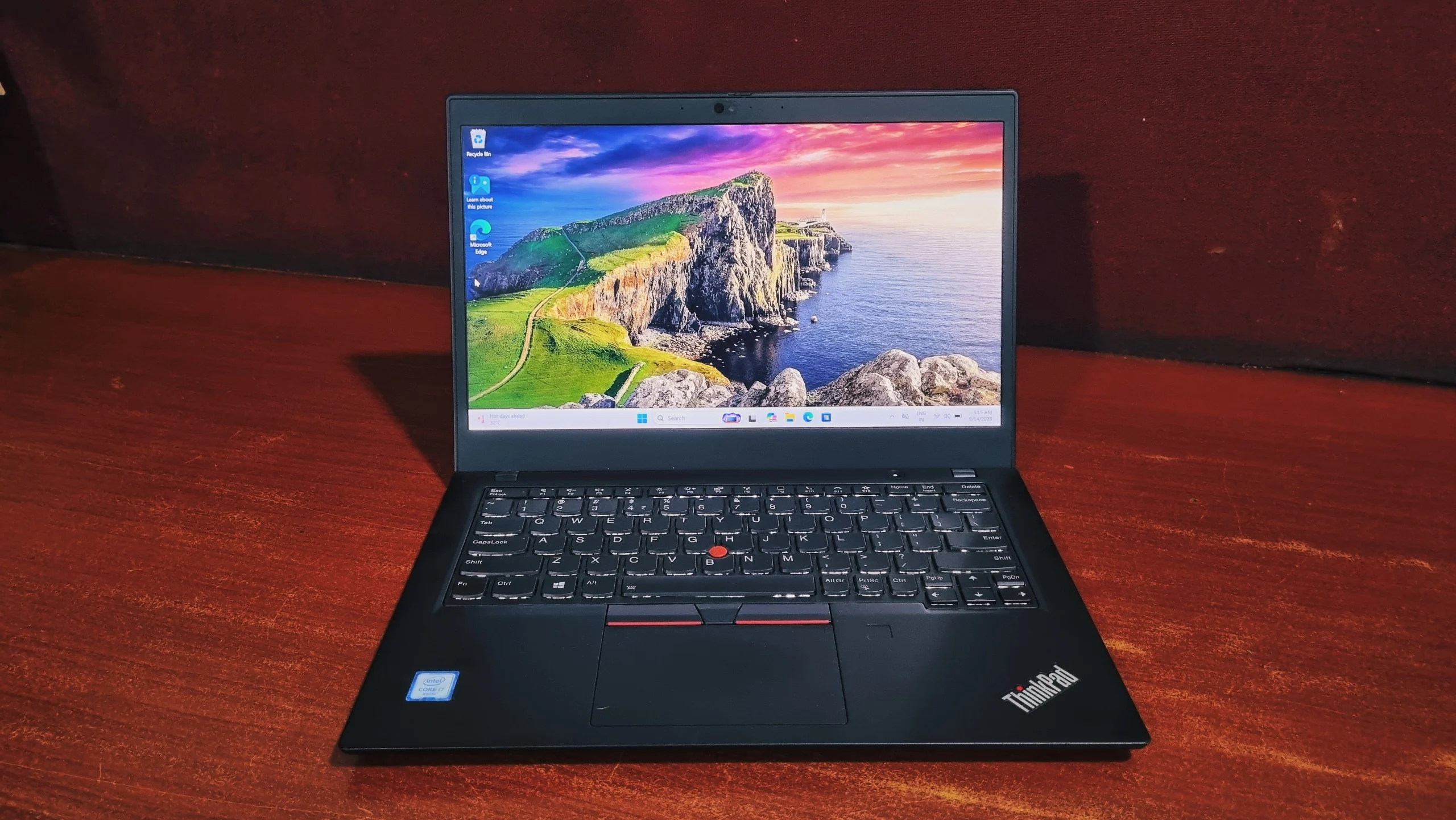
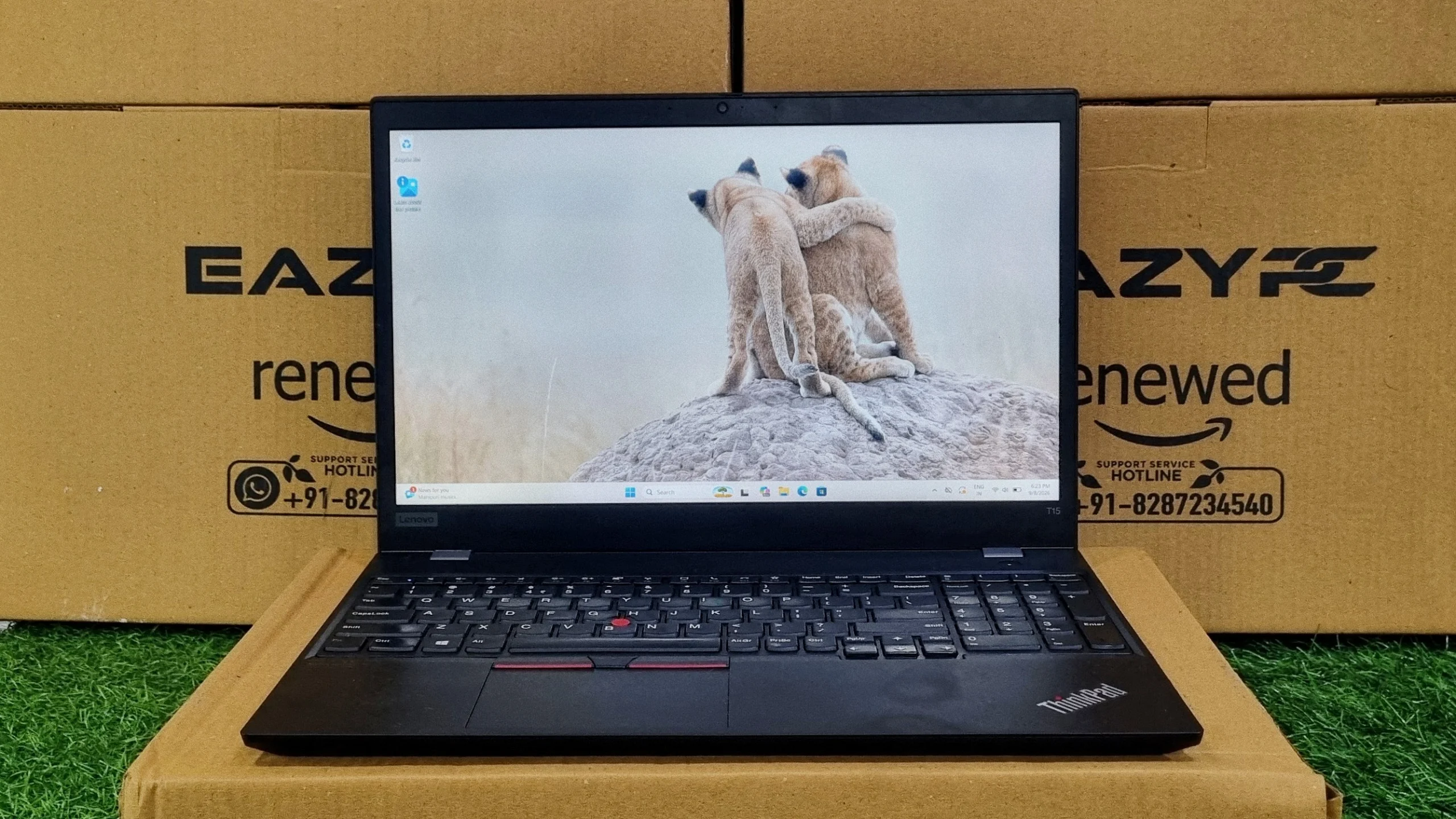
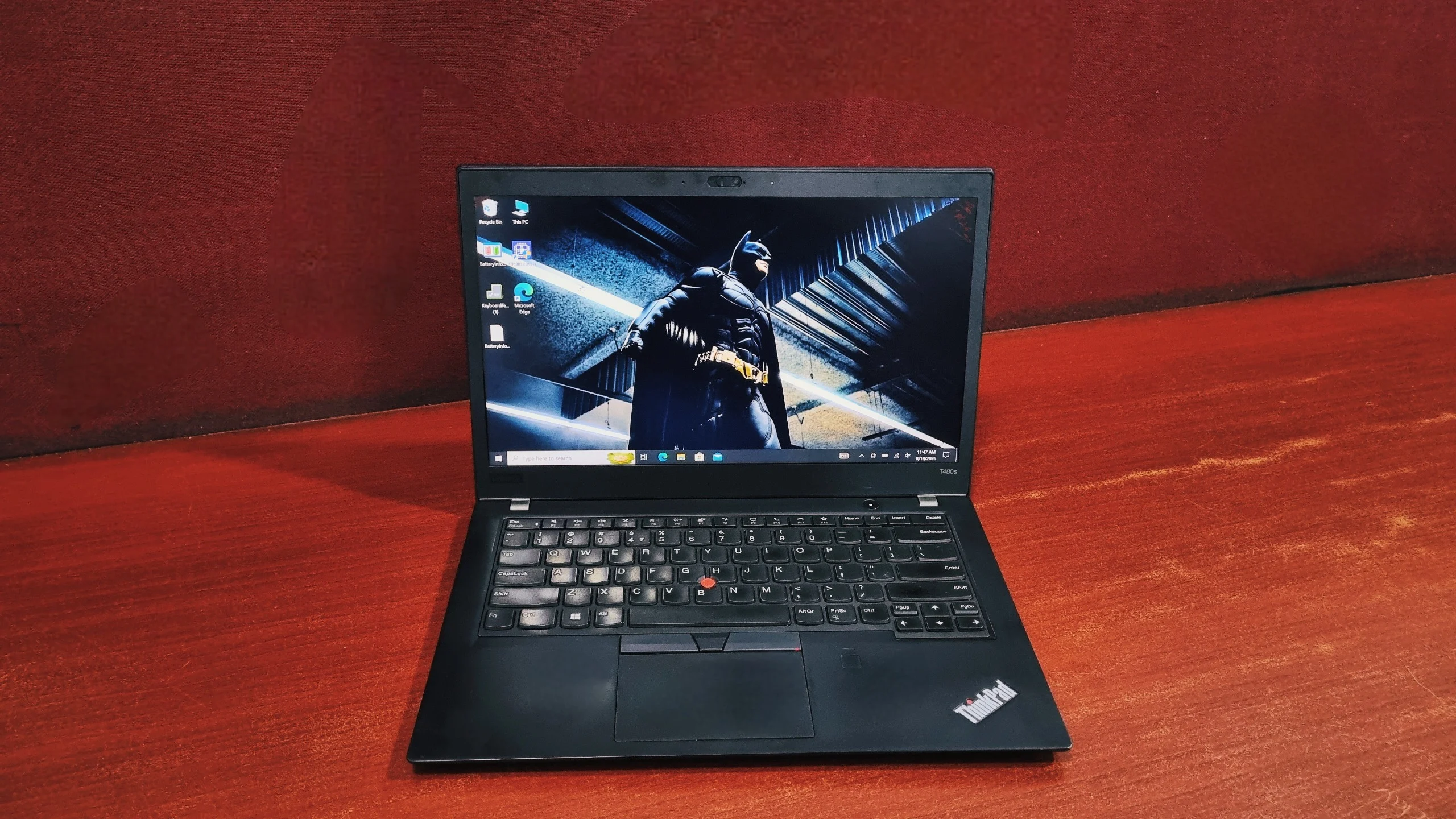
The Lenovo ThinkPad L14's most common problems are USB-C charging port failure, short battery life from its small 45Wh battery (Gen 1), a dim average screen, heavy weight, and Linux instability on the AMD Gen 2. The L14 Gen 1 (2020) and Gen 2 (2021) are Lenovo's entry-level 14-inch ThinkPads, sold with Intel or AMD Ryzen processors and positioned below the ThinkPad T14.
1. Heavy, with a small battery
One review summed up the L14 as having few faults, but serious ones: heavy weight, poor colour accuracy, and a battery too small for its price. Gen 1 uses a 45Wh battery. After years of office use, we find many refurbished units manage only 2–3 hours.
2. A dim, average screen
The L14's panel is only marginally better than the dim screen on its predecessor, the L490. It is a cheaper version of the panel used in the ThinkPad T14s.
3. USB-C charging port failure
The L14 charges only through USB-C. If that port fails, the laptop stops charging. Replacement USB-C charging ports for the L14 Gen 1/Gen 2 are sold in bulk lots, which tells us how often they fail. Overheating USB-C ports on recent ThinkPads have also been discussed widely on Reddit.
4. Won't start on battery
One L14 Gen 1 owner's laptop refused to start unless the charger was connected, flashing the power, Esc, F1 and F4 lights. A CMOS reset fixed it.
5. Linux problems on the AMD Gen 2
Arch Linux users reported broken sleep, random crashes and reboots, a non-working webcam and high CPU usage on the L14 Gen 2 AMD. This matters only if you plan to run Linux, for example for coding.
Why Do People Avoid the Latitude 3410, 3420 and ThinkPad L14?
People avoid these models because they are budget business laptops whose hinges, charging ports, screens and batteries tend to fail after four to five years of use. We don't think any of them is a lemon, but each has one weak point worth checking.
| Model |
Launched |
Biggest Risk |
Other Weak Points |
| Dell Latitude 3410 |
2020 |
Charging port (DC jack) wear |
Dull screen, hinge stress |
| Dell Latitude 3420 |
2021 |
Hinge breaking and cracking the screen |
Hibernation bug, charger warnings, soldered RAM on some units |
| Lenovo ThinkPad L14 Gen 1/2 |
2020–21 |
USB-C charging port failure |
Heavy, small battery, average screen |
Here are the common reasons we see people avoid them:
- They are budget business laptops. The Latitude 3000 and ThinkPad L series sit below the Latitude 5000/7000 and ThinkPad T series. Companies bought them because they were cheap, not because they were tough.
- Their weak points are mechanical. Hinges, DC jacks and USB-C ports wear out with use, and four to five years is exactly when they start failing.
- Screens are poor even at their best, and the base HD panels are worse.
- Batteries are small and usually worn by the time the laptop reaches the second-hand market.
- Better machines cost only a little more. A refurbished Latitude 5000-series or ThinkPad T14 usually costs slightly more and gives you a sturdier body and a better screen.
What Should You Check Before Buying a Refurbished Latitude 3410, 3420 or ThinkPad L14?
Check the hinges, screen type, charging port, battery health, processor, sleep behavior, BIOS version and warranty. We recommend running through these eight checks in the store or as soon as the laptop arrives.
- Hinges: open and close the lid 10–15 times. Reject it if you hear creaking, see the bezel lift near the hinges, or the lid feels loose or uneven.
- Screen: confirm it is Full HD (1920×1080) IPS, not 1366×768. Look for flicker, dead pixels and cracks along the bottom edge.
- Charging port: plug in the charger and gently wiggle the cable. Charging should not cut in and out. On a Dell, there should be no "Unknown AC power adapter" warning at startup.
- Battery health: in Windows, run
powercfg /batteryreport in Command Prompt and compare "Full charge capacity" with "Design capacity". Below about 70% means short battery life.
- Processor: avoid Celeron and Pentium versions. Choose Core i5 or i7.
- Sleep and restart: lock the screen, put it to sleep, then wake it. It should come back without a forced restart.
- BIOS: make sure the BIOS is updated, especially on the Latitude 3420.
- Warranty: buy only with a written warranty that covers hinges, ports and the battery.
What Are Better Alternatives to the Latitude 3410, 3420 and ThinkPad L14?
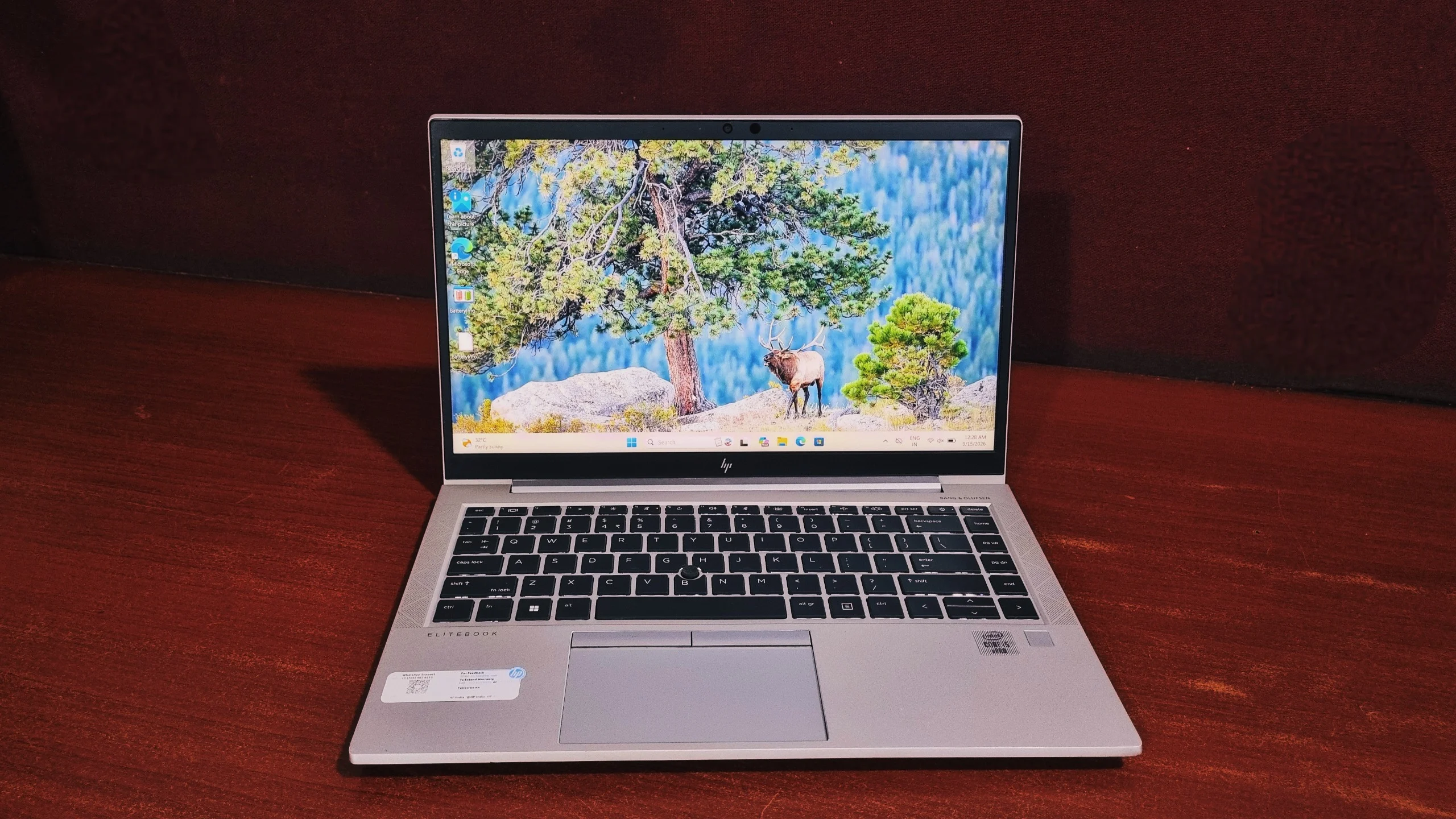
The best alternatives we recommend are the Dell Latitude 5000 and 7000 series, the Lenovo ThinkPad T14 and the HP ProBook 440 G8. These step-up business laptops have the same 10th or 11th Gen processors in sturdier bodies, usually for a small extra cost.
| Instead Of |
Consider |
Why It's Better |
| Latitude 3410 |
Dell Latitude 7410 (i7, 10th Gen) |
Premium 7000-series build, thinner and lighter, better screen |
| Latitude 3420 |
Dell Latitude 5520 (i5, 11th Gen) |
Same 11th gen performance in a sturdier 5000-series body, 15.6-inch screen |
| Latitude 3410 / 3420 |
Dell Latitude 5510 (i5, 10th Gen) |
Mid-range business build with a larger 15.6-inch screen |
| ThinkPad L14 |
Lenovo ThinkPad T14 Gen 1 (i5, 10th Gen) |
Lenovo's mainstream T-series: lighter, better built, 16GB RAM options |
| Any of the three |
HP ProBook 440 G8 (i5, 11th Gen) |
14-inch, 11th gen, a different brand's design if you want to avoid these issues |
No second-hand laptop is risk-free. Whichever model you choose, we suggest you run the checklist above and buy from a seller who gives a real warranty.
Should You Buy a Refurbished Latitude 3410, 3420 or ThinkPad L14?
Our Verdict
In most cases, we'd say avoid them. These laptops are popular because they are cheap, not because they are the best-built business laptops. Their hinges, charging ports, screens and batteries are where they let owners down, and after four to five years of office use, those are exactly the parts we see failing.
If you need a laptop for office work or studies, we'd suggest spending slightly more on a Latitude 5000/7000-series, HP ProBook 440 G8 or ThinkPad T14/T15 instead. They have the same 10th or 11th Gen processors in sturdier bodies with better screens. If you still buy a 3410, 3420 or L14, choose a Core i5/i7 with a Full HD IPS screen and run the checklist above first.
Frequently Asked Questions
Is the Dell Latitude 3420 a good laptop to buy refurbished in 2026?
It can be, if it has a Core i5 or i7, a Full HD IPS screen, solid hinges and an updated BIOS. Its hinge is the main risk, so inspect it carefully.
Why do Dell Latitude 3000-series hinges break?
Owners and technicians report the metal hinge mounts bending or pulling out of the plastic chassis. The strain then cracks the screen, often near the bottom edge.
Is the ThinkPad L14 as good as a ThinkPad T14?
No. The L14 is Lenovo's budget business line. The T14 is lighter, better built and usually has a better screen.
Can a broken charging port be repaired?
Yes. The DC jack on the Latitude 3410 and the USB-C port on the L14 can be replaced. The cost depends on whether the port is a separate part or soldered to the motherboard.
How do I check battery health on a refurbished laptop?
Open Command Prompt and run powercfg /batteryreport. Open the report it creates and compare "Full charge capacity" with "Design capacity".
Which is better: Dell Latitude 3420 or Lenovo ThinkPad L14?
The ThinkPad L14 is generally the safer buy because it does not have the 3420's hinge problem and has a better keyboard. The Latitude 3420 is lighter at about 1.52 kg. On either, check the charging port and battery health.
Which Latitude 3420 configuration should I avoid?
Avoid any Latitude 3420 with an Intel Celeron processor or a 1366×768 TN screen. Choose a Core i5 or i7 model with a Full HD IPS display.
Do the Latitude 3410, 3420 and ThinkPad L14 support Windows 11?
Yes. Their Intel 10th and 11th Gen Core and AMD Ryzen 4000/5000 processors meet Windows 11's official processor requirements.
How do I fix the Latitude 3420 shutting down when the screen locks?
Update the BIOS using Dell Support Assist or Dell Command Update. Owners on Dell's forum report the latest BIOS fixed it. If it continues, the battery may need replacing.
How long will a refurbished Latitude 3420 or ThinkPad L14 last?
A well-checked unit can usually handle two to three more years of office or study use. Expect to replace the battery, and possibly the charging port, during that time.