At EazyPc, we believe that buying a refurbished laptop should not feel like a game of guessing. You want a machine that boots up fast, handles your heavy workloads without breaking a sweat, and maybe even for casual gaming.
But how do we know a laptop is ready for you??
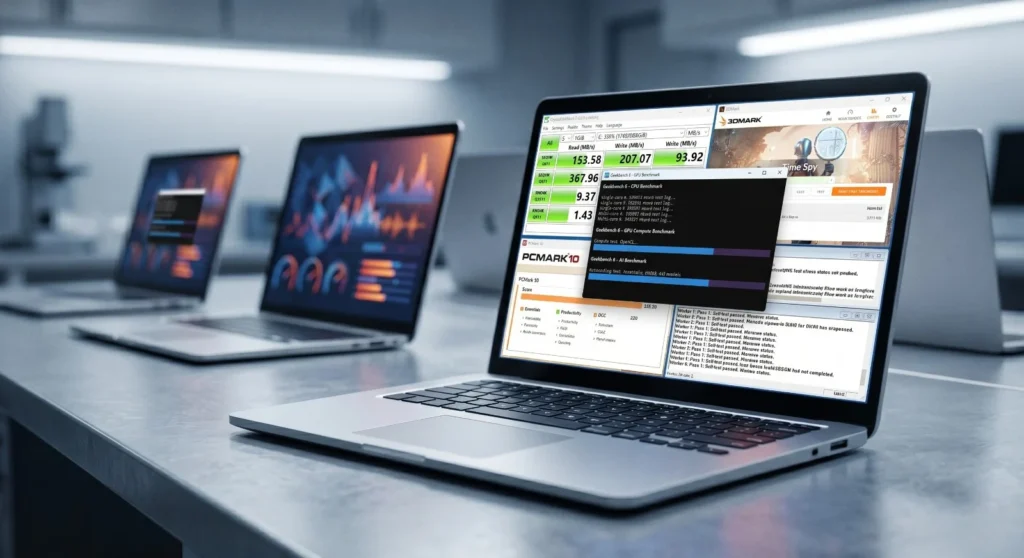
We don’t just check that it turns on, check if the screen works and hope for the best. Every window laptop that passes through our doors undergoes a comprehensive suite of rigorous, industry-standard benchmark evaluations.
We know these benchmarks can sound like an alien language, so here is a more straightforward explanation of the exact tools we use to test our laptops and more importantly, what they mean to you in everyday experience.
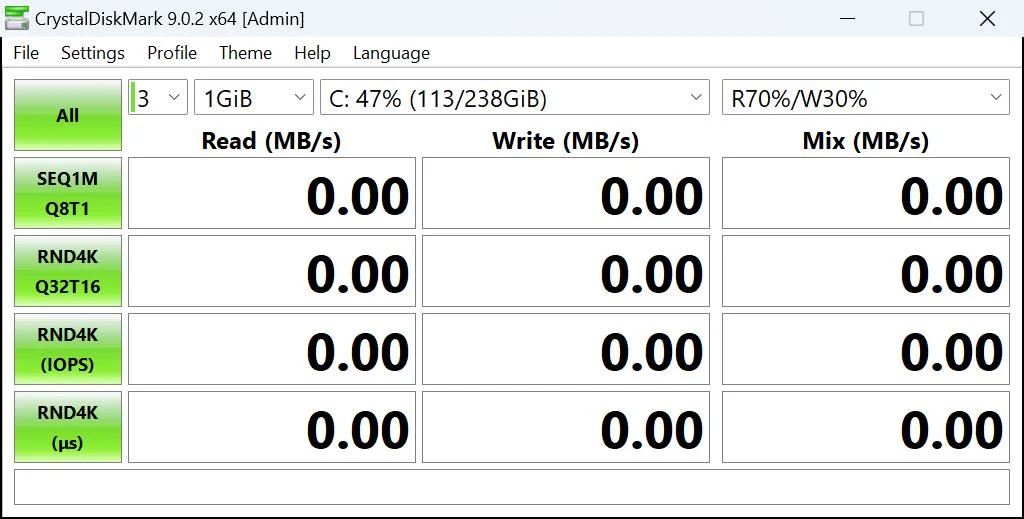
Crystal Disk Mark: The Memory Test
What it tests: memory test (SSD) read and write speeds.
What it means for you: Have you ever waited an eternity for a laptop to turn on, or sat watching a progress bar crawl while copying a large file? If yes, this is because of storage speed (read/write). Crystal Disk Mark acts as a software for your laptop’s hard drive. It tells us exactly how fast data can be saved and retrieved. When a laptop passes this test, it means you are getting instant boot-ups, fast app launches, and snappy file transfers.
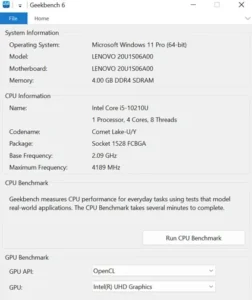
Geekbench: Analyzes CPU
What it tests: The raw processing power of the CPU, GPU, and AI engines.
What it means for you: Think of Geekbench as a standardized IQ test for your laptop’s brain. The test is specified into 3 areas to ensure it is well-rounded:
CPU: Indicates how well your laptop can perform common sense tasks from using Excel sheets to handling multiple Software at once without lagging.
GPU: This assesses how well the laptop processes everyday graphics, ensuring smooth video playback, snappy photo loading, and handles screen animations.
AI: This measures how effectively the laptop handles large language models (LLMs) like Claude for coding, developing and designing. We test these AI capabilities to ensure your machine is fully ready for the next generation of softwares.
But how does a user analyse these results to understand the difference ?
When browsing for a new laptop on Eazypc, you will often see processors rated by both single-core and multi-core performance. Understanding the difference simply comes down to how a processor handles its workload. Single-core performance represents the raw speed of one individual core of a processor handling in a strict sequence, whereas multi-core performance measures the total number of cores in a processing unit working simultaneously to tackle a massive workload.
Single-Core for Immediate Responsiveness: This measures how fast the computer completes everyday tasks that cannot be divided up. It is responsible for the snappy feeling you get when navigating your machine, clicking through menus, opening a basic application, or loading a webpage.
Multi-Core for Heavy Processing: This measures the computer’s ability to take massive tasks, divide it into smaller pieces, and process them all at the exact same time. You need high multi-core power when you are exporting a video, rendering complex graphics, or running many demanding programs at once.
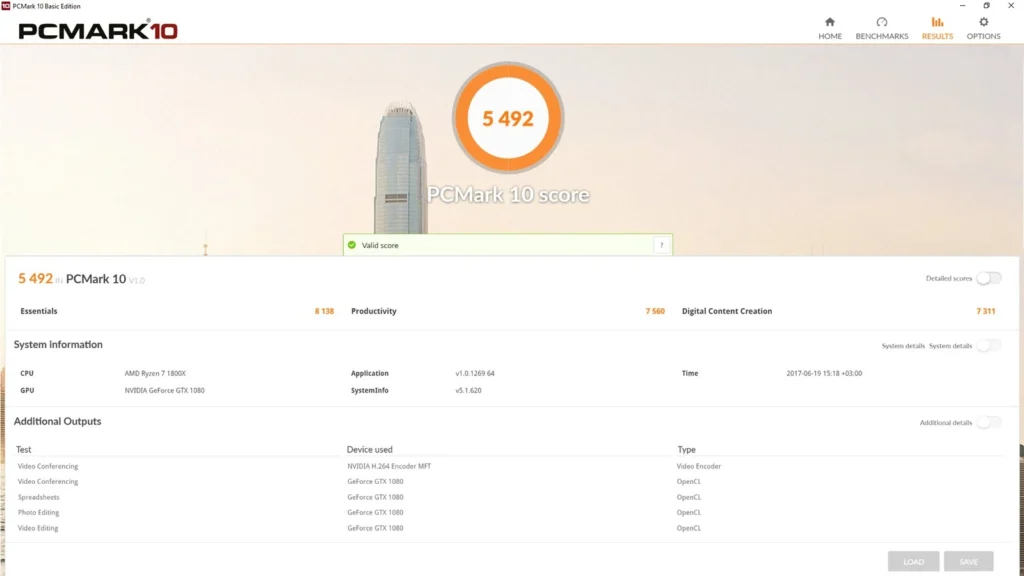
PC Mark: The Everyday Simulator
What it tests: Real-world, General productivity tasks.
What it means for you: Raw power is great on paper, but how does the laptop actually handle this power in real-life scenarios? PC Mark exactly does that by simulating a busy workday. It automatically runs the laptop through video conferencing, web browsing with dozens of tabs, word processing, and spreadsheet editing. If a laptop scores well here, it means it won’t crash or hang on you when it matters most.
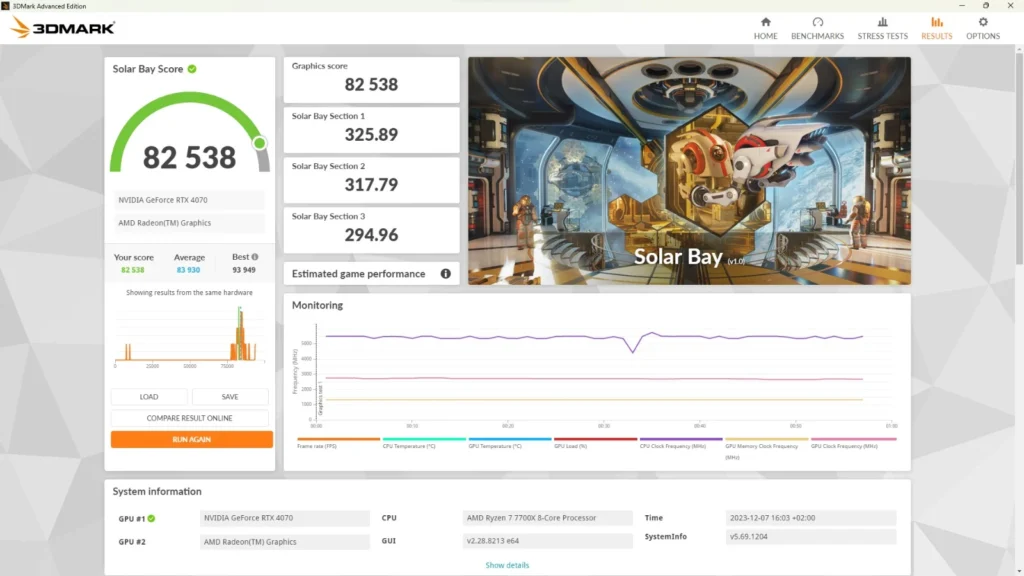
3DMark: For the heavy lifters
What it tests: It evaluates High-end graphics rendering and gaming performance.
What it means for you: If you are a gamer, engineering student or a video editor, this is the test that matters for you the most. 3DMark tests the max performance of the CPU by rendering incredibly complex, demanding 3D scenes at the laptop to see how the graphics cards hold up to it under pressure. We use this test to guarantee that our gaming and workstation laptops can deliver smooth frame rates and sharp visuals, so that your creative software and favorite games run exactly as they should.
Conclusion
The Goal of Benchmarking is not to show off big numbers on a paper. It’s about being sure. We test our laptops with tools like Crystal Disk Mark, Geekbench, PC Mark, 3DMark and Prime95. This allows us to know for sure that your refurbished laptop is as good on the inside as it looks on the outside. You get a machine that is fully tested, reliable, and ready to perform from day one.
About Aryamann Saini
Avid tech enthusiast with a focus on strategic problem-solving. Always looking to tackle the next big challenge or learning milestone. Outside of work and studies, I enjoy traveling to historical sites and exploring the open road.